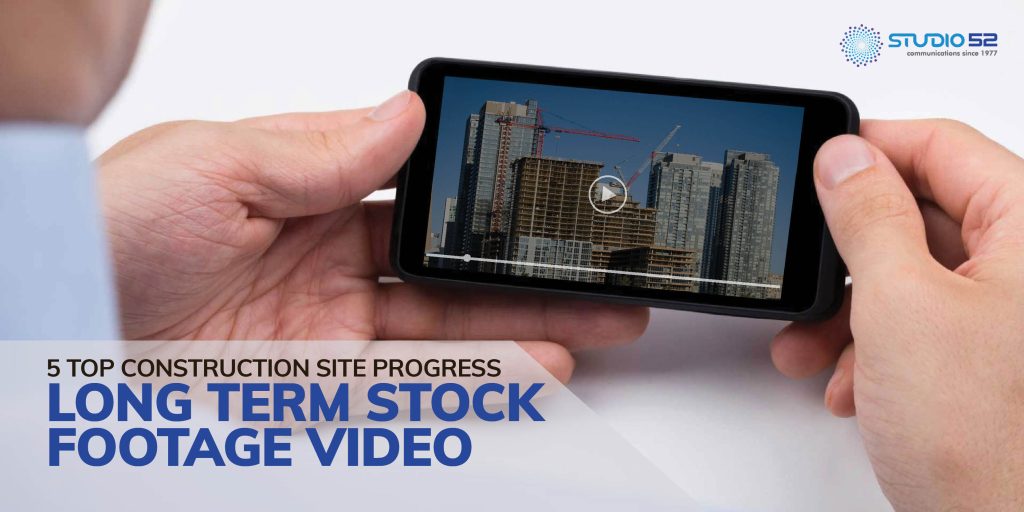

This article will try to show how you can produce quality long-term stock footage videos with construction time-lapses, the kind that fuel Use Timelapse Construction Videos Business Growth strategies. We will discuss technical tips and share some great video clips to help you develop quality videos for your clients.
Technical tip – 1
Overshooting is essential so that you can cull the bad photos and work with only the good ones. Auto filtering will help you cull all pictures outside of a set range at the click of a button.
This is one of the clearest Construction Timelapse Video Advantages — it ensures your stock footage will only have the best pictures, unaffected by lighting variations, inactivity, lousy weather, and spider webs.
Check this link:
Technical Tip-2
Using LRTimelapse to combat flicker is a widely used technique for timelapse photographers, and it integrates seamlessly with Adobe Lightroom. You can create Incredible Construction Timelapse Videos with this tool.
Check this link:
For filtering and removing photos, LRTimelapse comes with some powerful tools:
- Brightness Filter: Set upper and lower limits, and LRTimelapse will automatically filter out all images brighter or darker of the set range.
- Time of Day Filter: Like the above, LRTimelapse will read photos’ metadata and remove all that is not in the set time range.
- Deflicker Tool: This tool brings the brightness of each photo closer to an average, making for a smoother sequence.
LRTimelapse is a fabulous tool and is indispensable for long-term timelapse post-production.
Technical Tip-3
If you find frameshifting in the odd frame or two, it’s easiest to go in and adjust or delete those frames.
However, if your frame shifts around a lot during the project, you’ll need to use the Warp Stabilizer effect part of Adobe After Effects and Premiere Pro.
Select the “Position, Scale And Rotation” Method in terms of parameters. Avoid Perspective and Subspace Warp; these are ideal t for video (or hyper-lapse) and greater distances with more planes, and they don’t produce comparable effects with stationary timelapse.
It’s complex to recommend ideal settings for other Warp Stabilizer parameters. Each sequence has a different movement, and it is best to experiment with the effect to get the best of a specific project. This becomes especially relevant on timelapse for Saudi mega-projects, where there are times when a camera moves too erratically for the Warp Stabilizer algorithm to do its work correctly.
Technical Tip -4
As our Timelapse Camera Guide 2024 By Studio52 explains, it is advisable to work with the full resolution of images until you use them in your video editing. While making a construction timelapse sequence, you’ll be moving your sequence everywhere – from Lightroom to LRTimelapse to After Effects to Premiere Pro.
Whenever you export or render the sequence, you should keep it as original as possible and maintain the actual resolution of photos.
Also, limit the impact of multiple compressions so that you maintain enough pixels to zoom in and pan around the shot in your final edit.
Technical Tip -5
It’s best to automate your post-production instead of tackling things manually. This is one of the clearest Timelapse Video Benefits — by removing unwanted photos, doing image enhancement, de-flickering, frame blending or stabilization, one can achieve more in just a few clicks.
If you want expert timelapse video production for your construction projects, please visit our page linked above or schedule a consultation below.
please visit https://studio52.tv/video/timelapse.