

Have you ever wondered how to capture stunning hyper-lapses, or slow-motion videos? If so, then this blog post is for you! Here we will cover all the basics of how to shoot a time lapse video, hyper-lapse video, and slow-motion video. We’ll discuss what each one is, the equipment needed to shoot them, and tips on how to get great results. So whether you’re a beginner with no experience or an experienced filmmaker looking to broaden your skill set – read on and discover all the information you need about shooting these amazing timelapse video techniques!
If this excites you, our guide on Embracing timelapse videography covers even more creative approaches for taking your footage to the next level.
By exploring time and motion in video production, you can uncover a secret realm that is usually hidden from our eyes – slow down the movement of quickly-moving subjects or speed up longer events such as the sunrise or clouds moving across the sky.
Frame rate controls how fast footage records and plays, commonly at 24, 25, or 30 fps. Higher frame rates create smoother visuals, while recording at a higher fps than playback produces slow-motion effects.
To speed up time, recording is done at a slower frame rate than playback. By capturing 25 frames over time and playing them at 25fps, minutes, hours, or days are condensed into one second—creating timelapse and hyperlapse videos.
Check the example to create timelapse construction video we did for NESMA:
For another example of documenting a large-scale build from above, take a look at our Construction Progress Documentary Timelapse Drone Video.
Traditional timelapse videos are captured on tripods or motion control sliders so the camera stays in one spot throughout filming but with hyper-lapses, you need to move the camera position between each photo which adds an extra layer of complexity to the final product.
Table of Content
The Difference Between TimeLapse Video And Hyperlapse
Timelapse photography captures time by taking images at intervals and playing them as a sequence, showing changes not visible in real time. It requires a fixed camera position without movement. For a deeper dive into what this technique really means, see our guide on Timelapse Video Meaning. Hyperlapse video photography is a type of timelapse that uses moving camera shots instead of a fixed position, creating more dynamic footage over time.
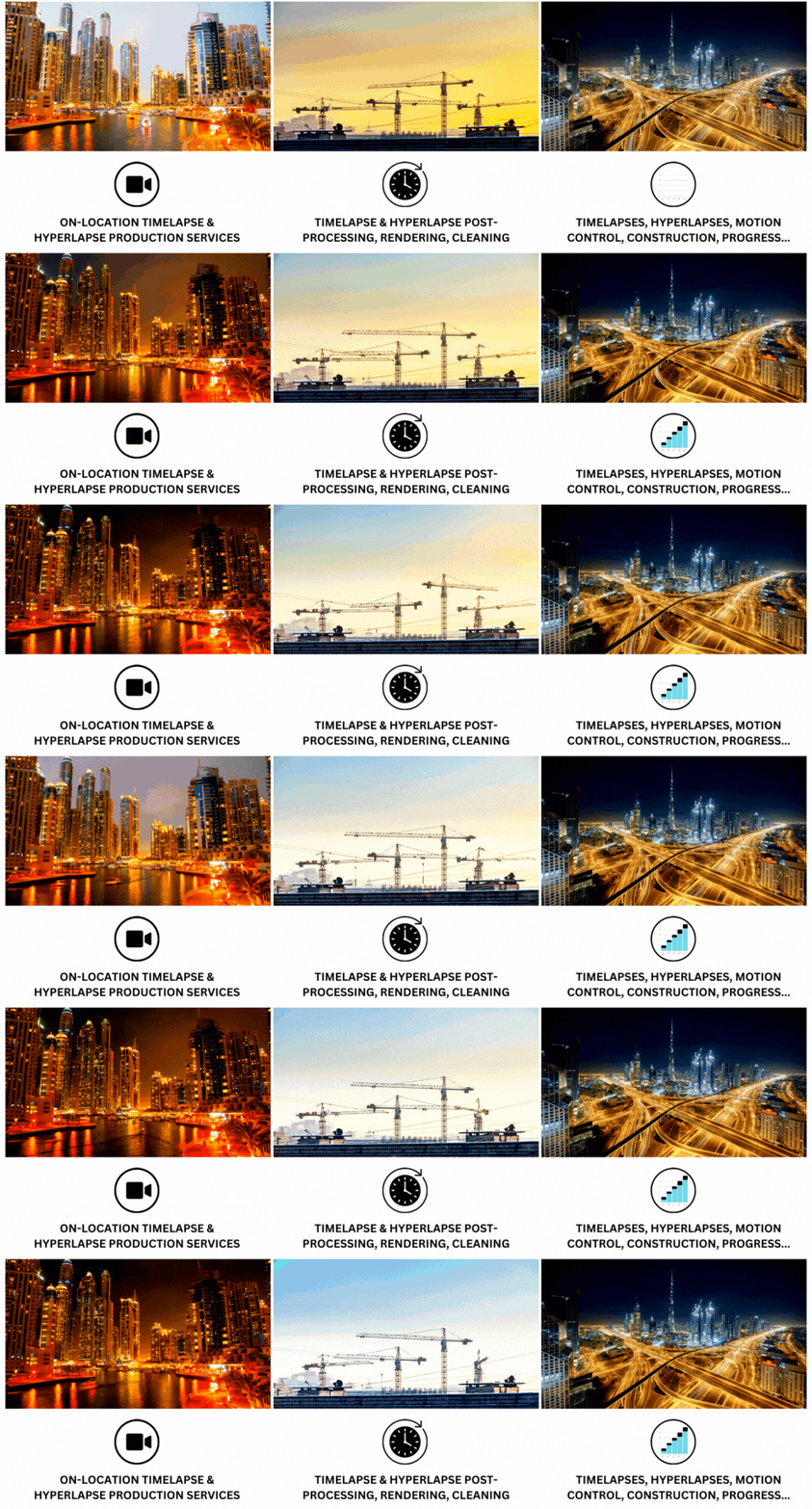
Timelapse videos are highly versatile and can capture events like blooming flowers, moving stars, or changing landscapes over time. They can be shot using natural light or controlled with artificial lighting for better results. This flexibility allows creators to adapt to different scenes and conditions easily. Overall, timelapse videos tell powerful stories by combining thousands of frames into one engaging visual experience.
Hyperlapse photography differs from traditional timelapse by using a focus object, movement direction, and a constant anchor point, creating smoother transitions and a dynamic sense of motion—like flying through scenes.
It also opens up lots of possibilities when considering what kind of projects you could use hyper-lapse photography in – anything from commercials and construction sites to heritage buildings can benefit greatly from its effects! Businesses looking to put this to work for their brand can also explore Time Power Business Online Videos Futuristic Approach for a look at how video is reshaping modern marketing.
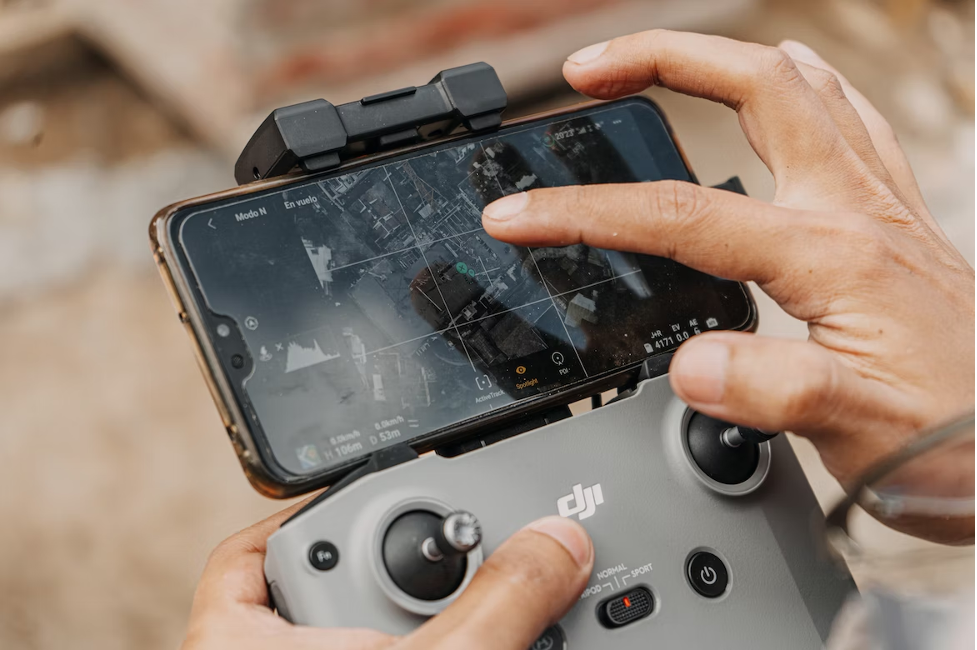
How To Shoot Time Lapse Video And HyperLapse
If you’re shooting up close over a long period of time, you’ll need to make sure that the lighting conditions stay consistent by using artificial lighting sources. On the other hand, when taking landscape or cityscape shots, natural light changes can become a key part of your footage. To capture smooth footage without any jittering, an essential tool is a tripod which keeps the camera steady throughout the shot. If you’re just getting started, our Make Timelapse Video guide walks through the process step by step.
Effective hyperlapse photography requires a subject, a clear path, and a fixed anchor point to ensure smooth camera movement. Keeping the anchor point consistent helps avoid jerky motion and creates a stable final video.
Wide-angle lenses like the Canon EF 24–70mm are ideal for various scenes due to their focal range. Avoid shooting wider than 24mm, as it can cause edge distortions if framing shifts between shots.
Slow Motion Video
Timelapse and slow-motion video techniques offer drastically different results. Timelapse condenses footage, allowing viewers to appreciate a longer span of time in a shorter viewing period. Slow motion, on the other hand, slows down motion that would usually be too rapid to observe.
Modern cameras support both timelapse and slow-motion shooting. For instance, Canon EOS and PowerShot models offer slow-motion features, with higher frame rates typically available at lower resolutions, such as 120fps in Full HD or 50–60fps in 4K on the EOS R6.
When shooting, you don’t need to match the frame rate exactly to the output frame rate; you can slow it down during post-production. The faster the frame rate when capturing footage, the slower it will appear when played back at regular speed.
Playing With Shutter Speed
Shutter speed controls exposure and movement in images. In timelapse or hyperlapse, slower shutter speeds create motion blur for a more dynamic, cinematic look, unlike fast speeds that freeze motion.
The 180-degree shutter rule helps determine the right shutter speed for video. It suggests setting the shutter speed to double the frame rate, such as 1/50 sec for 25fps. The same rule applies to higher frame rates, like using 1/200 sec for 100fps. This ensures natural motion blur and smooth video results.
Conclusion
For timelapse or hyperlapse, this guideline works well until shot intervals exceed four seconds—beyond that, longer shutter speeds become more important. During daytime shooting, Neutral Density (ND) filters help reduce light and maintain proper exposure with slower shutter speeds.
Using different techniques to capture time and motion creatively can result in stunning visuals; from slow-motion videos to timelapses and hyper-lapses – so why not give our construction site monitoring system a go next time you want to do any of these videos?
Discover the difference between timelapse and hyperlapse and choose the perfect technique for your next video project.