
Timelapse offer a captivating storytelling technique. By condensing photo sequences into a fast playback, they enable us to manipulate time and delve into the mesmerising realms of natural processes and movements that often go unnoticed by the naked eye. They also allow us to elongate fleeting moments of action, providing a comprehensive understanding of the scene at hand.
Here at Studio52, we’ve plenty of work with timelapse videos behind us and have decided to share the knowledge! 5 Steps to Capture an Industrial Construction TimeLapse
In this comprehensive guide, we unveil the secrets to capturing enchanting timelapse footage and share expert tips for the best results. Join us on this journey as we unlock the art of creating hypnotic timelapse videos.
Table of Content
What Is a Timelapse?
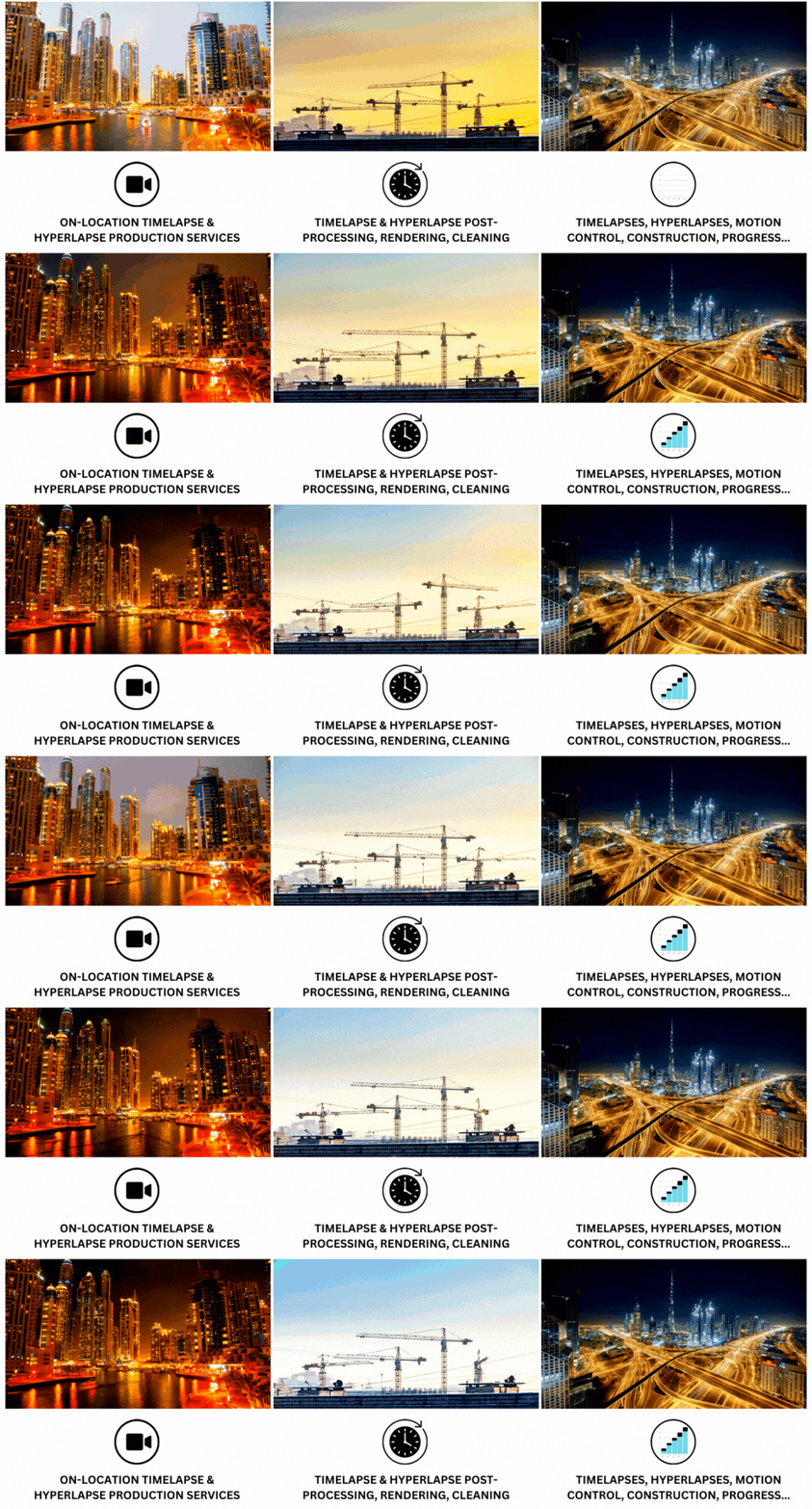
A timelapse video is a masterpiece composed of a multitude of carefully captured images. These individual snapshots, taken over an extended period, are artfully intertwined to create an immersive video experience.
Time-lapse videos accelerate time, condensing hours or days into seconds to reveal stunning transformations. Studio52 delivers videos in formats like MP4 (H.264), MOV, and Motion JPEG, ensuring high quality and compatibility across platforms like YouTube, LinkedIn, and websites.
Best Practices to Create a Perfect Timelapse
The concept revolves around capturing numerous photographs at regular intervals. These individual shots are then skillfully woven together in the post-production stage, forming a spellbinding video that captivates the senses. With the fundamentals in place, it’s time to delve into the realm of expertise and uncover some invaluable tips to embark on your time-lapse journey.
Use Proper Stabilisation
Image stabilisation helps reduce motion and improve sharpness when shooting handheld. However, when using a tripod, it can reduce timelapse quality by causing unwanted movement. To avoid shaky footage, use either a tripod or image stabilisation—not both together.
If you use a tripod, ensure it is sturdy—adding weight or extending its legs can reduce vibrations. For shaky footage, tools like Warp Stabiliser in Adobe After Effects or Premiere Pro can help restore stability.
Set the Right Intervals
We recommend considering the following values as a starting point — It’s important to note that these values are averages and may vary depending on the specific scenery or subject:
- People and traffic: Aim for 1-2 seconds between each frame.
- Clouds and landscapes: Opt for a slightly longer interval of 3-6 seconds to capture the subtle movements and changes in the scenery.
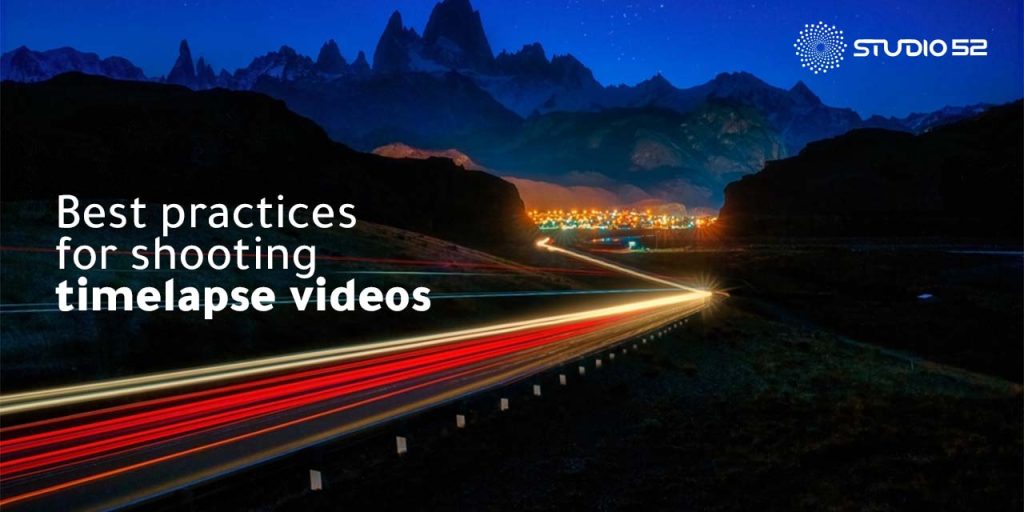
- Sunset or sunrise: To capture the mesmerising light transition during these magical moments, increase the interval to approximately 6-10 seconds.
When recording scenes involving people or traffic, it’s crucial to introduce some motion blur by adjusting your shutter speed. Try setting your shutter speed to roughly half the interval time for the smoothest result. This technique helps to create a sense of motion and fluidity in the final timelapse footage.
Shoot Manually
Have full control over your camera by using Manual mode and avoiding automatic settings. Shoot in RAW instead of JPEG for better flexibility in post-production, including adjusting white balance, recovering shadows, and enhancing colours.
RAW files contain unprocessed data from the image sensor, allowing greater flexibility during editing. On smartphones, use third-party apps to capture RAW for better timelapse video results.
ND Filter Is a Must
Enhancing the quality of your timelapse footage can be achieved with an ND filter, also known as a Neutral Density filter. This is a dark glass panel placed in front of your camera lenses. Its primary purpose is to extend the duration of your camera’s shutter speed, resulting in longer exposures and a captivating motion blur effect. Even budget-friendly ND filters can significantly elevate the overall quality of your timelapse sequences!
The Right Music
The impact of music shouldn’t be underestimated. When it comes to creating mesmerising progress timelapse video, music plays a crucial role in evoking human emotions and enhancing the overall experience. After investing time and effort into recording, editing, and refining your timelapse video, settling for generic stock music simply won’t suffice!
How Does Studio-52 Help?
Crafting an impactful time-lapse video goes beyond pressing record—it requires careful planning, the right location, quality equipment, and expert techniques, best achieved with professional support.
By entrusting us, you ensure every aspect of video production is handled with expert care, resulting in a standout product. Studio-52, known for exceptional timelapse services in Dubai and beyond, is your go-to choice—reach out today.
Conclusion
Creating a captivating time-lapse video requires more than just recording—it involves the right location, quality equipment, and expert post-production. Studio-52 offers the experience and services to ensure exceptional results.
From capturing mesmerising footage to seamlessly integrating voice-over and graphics, Studio-52 ensures that your professional timelapse video stands out from the crowd. So, whether you’re in Dubai or elsewhere, feel free to get in touch with us!
Create stunning time-lapse videos that capture every moment—start filming today and turn your ideas into powerful visual stories!